Why Move Off Legacy Systems at All?
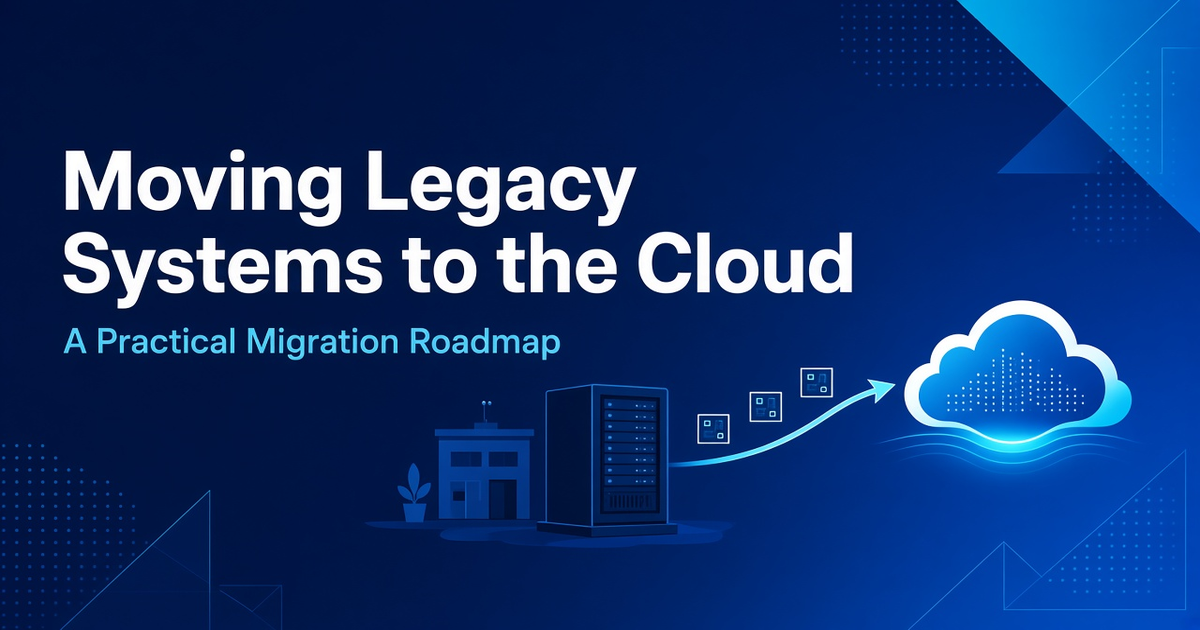
Cloud migration is not a goal in itself. It is worth doing when it fixes real problems the business already feels. Common reasons include:
- Access from anywhere: Store managers, travel agents in the field, and plant supervisors need the same data without VPN workarounds or emailed spreadsheets.
- Reliability and backups: On-premise servers often have informal backup routines. Cloud platforms make automated backups and recovery far easier to set up properly.
- Scaling with demand: Seasonal peaks in retail and travel can overwhelm a fixed server. Cloud infrastructure can grow and shrink with load.
- Security updates: Unsupported operating systems and databases become a liability. Managed cloud services keep the underlying platform patched.
- Integration: Modern APIs make it easier to connect ERP, eCommerce, payment, and booking systems once the core application is in the cloud.
Step 1: Take an Honest Inventory
Before choosing any platform, list every system involved: applications, databases, file shares, scheduled jobs, reports, and the integrations between them. For each one, note who uses it, how critical it is, how much data it holds, and what would happen if it were unavailable for a day. This inventory often uncovers hidden dependencies, like a nightly script that exports orders to the accounting team, that would otherwise break silently after migration.
Step 2: Choose the Right Migration Approach for Each System
Not every application should be moved the same way. Most migrations use a mix of these approaches:
- Rehost ("lift and shift"): Move the application as-is to cloud servers. It is the fastest option and works well for stable systems that just need better hosting.
- Replatform: Make small changes to benefit from managed services, such as moving a self-managed database to a managed cloud database.
- Refactor or rebuild: Redesign the application as a modern web or SaaS-style system. This takes longer but pays off for core systems that the business will rely on for years.
- Replace: Retire the system and adopt an existing product when the process is standard and nothing about it is unique to your business.
- Retire: Some tools are no longer used at all. Migration is a good moment to switch them off.
For example, a manufacturer might rehost its document archive, replatform its reporting database, and rebuild its production planning tool as a custom cloud application, because that tool reflects how the plant actually works.
Step 3: Plan the Data Migration Carefully
Data is usually the hardest part. Years of records collect duplicates, inconsistent formats, and fields used for purposes they were never designed for. Plan time to clean and map data before moving it. Decide what historical data really needs to move and what can be archived. Run trial migrations on copies of the data and have the people who use it daily check the results. A product master with wrong units or a customer list with broken contact details will undermine trust in the new system from day one.
Step 4: Design for Security and Access From the Start
Moving to the cloud changes who can reach your systems and how. Set up role-based access so staff see only what they need, enable multi-factor authentication for administrative accounts, encrypt data in transit and at rest, and define where data will be stored if you have regulatory or customer requirements about location. Write down backup and recovery targets: how much data you can afford to lose and how quickly each system must be back online.
Step 5: Migrate in Phases, Not All at Once
A "big bang" cutover over a single weekend is risky. A phased approach is safer:
- Start with a low-risk system to prove the process and build team confidence.
- Run old and new systems in parallel for critical workflows where possible, comparing outputs.
- Schedule cutovers during quieter periods, avoiding festive sales seasons in retail or peak booking months in travel.
- Keep a tested rollback plan for every phase.
Step 6: Train People and Measure the Results
Even a technically perfect migration fails if people go back to their old spreadsheets. Involve key users early, give short role-specific training, and provide a clear channel for reporting issues in the first weeks. After go-live, track practical measures that matter to your team: system availability, page and report load times, support tickets, and time saved on routine tasks. Review cloud costs monthly as well, since unused resources can quietly add up.
Common Pitfalls to Avoid
- Moving a messy process to the cloud unchanged and expecting it to improve on its own.
- Underestimating integrations with payment gateways, booking engines, machines, or accounting tools.
- Skipping load testing before peak seasons.
- Leaving no one clearly responsible for cloud costs, access, and monitoring after launch.
How Ascent24 Can Help
Ascent24 builds custom software, web and mobile applications, and cloud and SaaS solutions for retail, travel, and manufacturing businesses. We can help you assess your current systems, choose the right approach for each one, and rebuild or move them to the cloud in phases that keep your operations running. If you're planning to move off legacy software, get in touch with us at info@ascent24.io to talk through your situation.