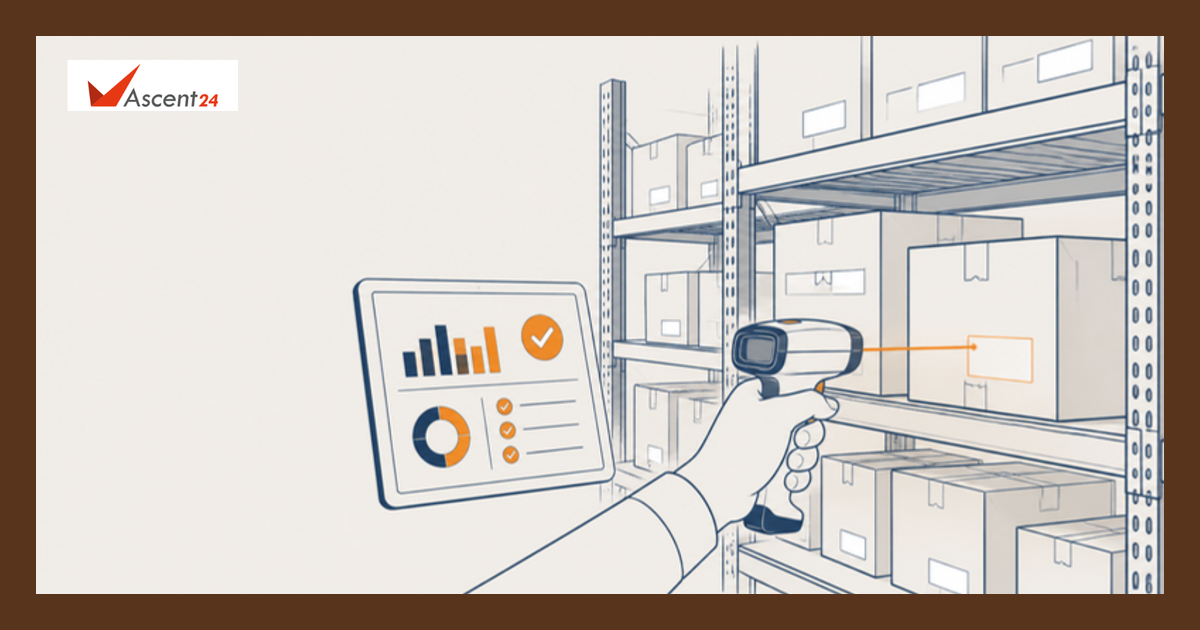
How overselling actually happens
Most overselling is not caused by a single big failure. It comes from small gaps between systems:
- Sync delays. A sale in your shop reaches your online store after ten minutes, or after the next hourly sync. In that window the same last unit can be sold twice.
- Shared stock, separate counts. The same ten units are listed on your website, a marketplace and in the shop. Each channel thinks it owns all ten.
- Bundles and kits. A gift set sells, but the single items inside it are not reduced, or the other way round.
- Returns that are not restocked. A returned item sits in a box for a week, so the system shows less stock than you really have. This causes lost sales rather than overselling, but it makes people add padding that hides the real numbers.
- Manual updates. Someone edits a spreadsheet at the end of the day. During a sale, the end of the day is too late.
- Reserved stock that is never released. Items sit in unpaid carts or pending orders and block stock, or are not reserved at all until payment clears.
Fixes that work, in order of effort
- Pick one source of truth. Decide which system holds the real stock count, and make every channel read from it. If two systems can both change the number, you will have two numbers.
- Update on every sale, not on a timer. Where your tools allow it, send each sale and each return to the central count as it happens. If you can only sync in batches, shorten the gap before a busy period and know what your gap is.
- Hold a safety buffer per channel. For fast sellers, show a slightly lower number online than you physically have, for example keep the last one or two units off the marketplace listing. A buffer costs you a few late sales and saves you cancellations. Keep it small and review it each week.
- Reserve stock at the right moment. Decide whether stock is held when it goes in the cart or when payment is confirmed, and release held stock after a set time.
- Handle bundles in one place. Define each bundle by the items it contains, so that selling a bundle reduces the parts.
- Restock returns quickly. Count returned items back as soon as they pass a quick check, with a clear rule for damaged ones.
- Set low-stock alerts. An alert at a level you choose gives your team time to pause a listing or reorder before the last unit goes.
A test to run before the peak
Do this in a quiet hour this week, with a cheap product or a test item:
- Set one item to a stock of 2.
- Sell one unit in the shop and one online within a minute of each other.
- Watch every channel. How long does each one take to show 0? Does any channel still accept an order for the item?
- Return one unit and see how long it takes to show as available again.
If any channel lags, you have found your overselling window. Fix the slowest link first, or lower the stock you show on that channel until it is fixed.
Prepare the people, too
- Agree who can pause a listing when stock runs out, and give them the access they need.
- Decide in advance what you will say to a customer when an order has to be cancelled, and refund quickly.
- Add a daily stock check on the best sellers during the peak, even when the system looks healthy.
- Avoid changing integrations during the two weeks around Black Friday unless something is broken.
Where Ascent24 can help
If your stock numbers live in more than one tool and the sync is slow, there are two common routes. You can move to a system that holds stock centrally for all channels, or you can keep your tools and build a link between them. BestERP, one of Ascent24's products, lists omni-channel inventory with sync between POS and online store, multi-warehouse management and low-stock alerts. If your setup is more custom, Ascent24 also builds integrations between the systems you already use. We will tell you if a simpler fix is enough.
For the stock basics behind this, see our guides on improving inventory accuracy before you buy new software and setting reorder points across multiple warehouses.
FAQs
What is overselling?
Overselling is selling more units than you have in stock. It usually happens when several sales channels share the same stock and their counts are not updated quickly enough.
Why does overselling happen more during sales events?
Orders arrive faster, so a delay between systems that does not matter on a normal day lets the same unit be sold twice. Heavy discounts also draw buyers to the same few products.
Is a safety buffer a good idea?
For popular items, usually yes. Hiding one or two units on a channel costs a few late sales but avoids cancellations. Keep the buffer small and review it as your sync improves.
How often should stock sync between channels?
As close to real time as your tools allow, and at least as fast as your quickest sale. Test how long a sale takes to show on every channel, then decide.
Sources
- Adobe, "U.S. Holiday Shopping Season to Hit Record $275.1 Billion Online, Rising 6.7% YoY", 28 September 2026 (Cyber Week USD 47.5 billion, Cyber Monday on 30 November): https://news.adobe.com/news/downloads/pdfs/2026/09/adi-holiday-forecast-release-9-28.pdf
- BestERP official site (product features, as listed): https://besterp.in/